Quantity Surveying Building Estimation And Project Planning
Quantity Surveying/Estimation, Bar bending Schedule, Project Planning With Primavera P6 And Ms Project In Urdu.
Urdu
Last updated
Fri, 23-Oct-2026
Quantity Surveying/Estimation, Bar bending Schedule, Project Planning With Primavera P6 And Ms Project In Urdu.
Urdu
Last updated
Fri, 23-Oct-2026
Complete Updated Course: Last Update 09/2026
Now with AI-Powered Estimation!
Become a Job-Ready Quantity Surveyor, Estimator, and Planner in One Course
Are you a fresh civil engineer, a student, or a site engineer who wants to learn estimation and project planning the way it's done in real projects? This course takes you from zero to estimating a complete building, from foundation to finishing, and then planning that same project in Primavera P6 and MS Project.
No theory-only lessons. You'll work on a real, full project from start to end. Important Note: Patience and Dedication Required
Dear students, Before you enroll, please know this is not a quick course. It has 30 hours of detailed training, covering estimation, BBS, rate analysis, BOQ, payments, planning, and AutoCAD.
Your success in this course depends on your commitment. Learning estimation and planning takes time, practice, and patience. So before you click "Enroll," ask yourself:"
Do I have the time and patience to invest in my own growth?"
If your answer is yes, this course can be your gateway to a strong career in quantity surveying, estimation, and project planning.
What Makes This Course Different
Course Content
Complete Building Estimation Through AutoCAD and Excel
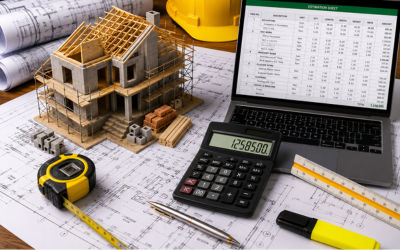
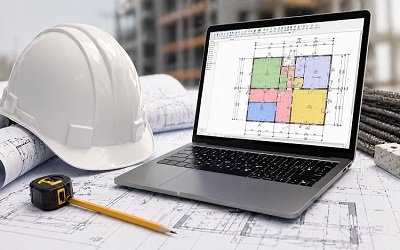
Take off quantities directly from AutoCAD drawings and calculate everything in Excel.
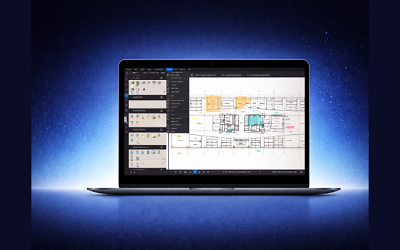
Estimation Through PlanSwift
AI-Powered Estimation (New!)
Bar Bending Schedule (BBS)
Start with the basics, then build complete BBS sheets in Excel for:
Material Calculations
Rate Analysis in Excel
Bill of Quantities (BOQ)
Contractor Payments and Interim Payment Certificates (IPC)
Variation Orders
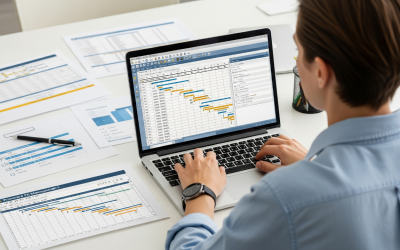
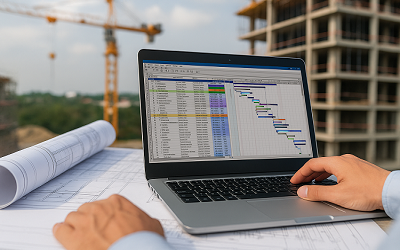
Complete Project Planning in Primavera P6
Plan the same project you estimated:
Complete Project Planning in MS Project
Plan the same project again in MS Project with the same full workflow activities, WBS, relationships, resources, and updates.
Beginner Training for All Software
Practice Questions and Mini Project
Practice questions come at the end of every module. If you complete them step by step, you will finish a full mini project on your own: estimation, planning in P6 and MS Project, and drawing it in AutoCAD with steel detailing.
One Course, Everything You Need
AutoCAD, Excel, PlanSwift, AI, Primavera P6, and MS Project, all in one place, all applied to one real project. No need to buy multiple courses. Everything is here.
Enroll now and start building your career in civil engineering today!

Project Planning & QS Expert (60K+ Global Students)